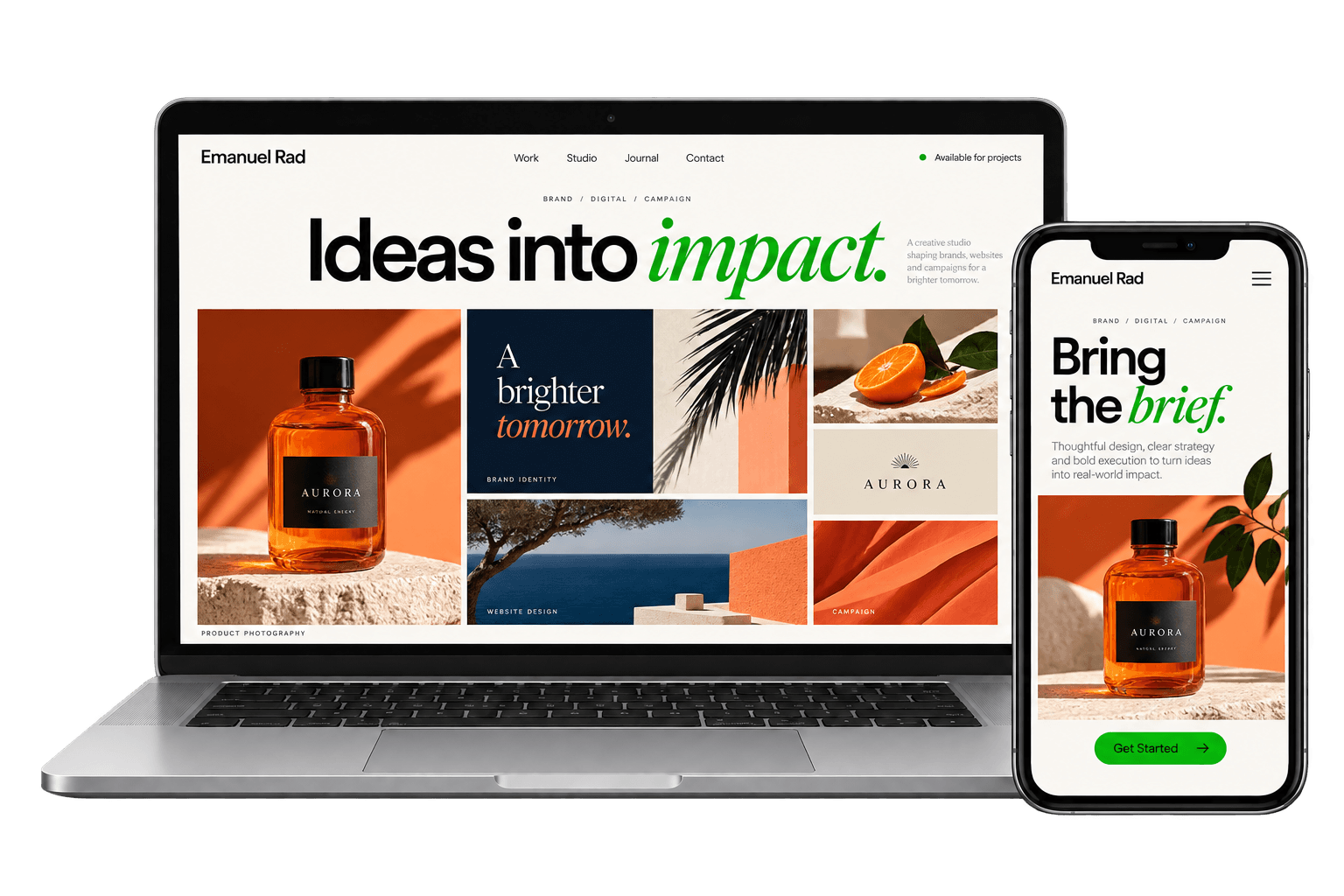
Digital work.
One direction.
Websites, apps, SaaS and software design, email and online retail.
Explore the capabilities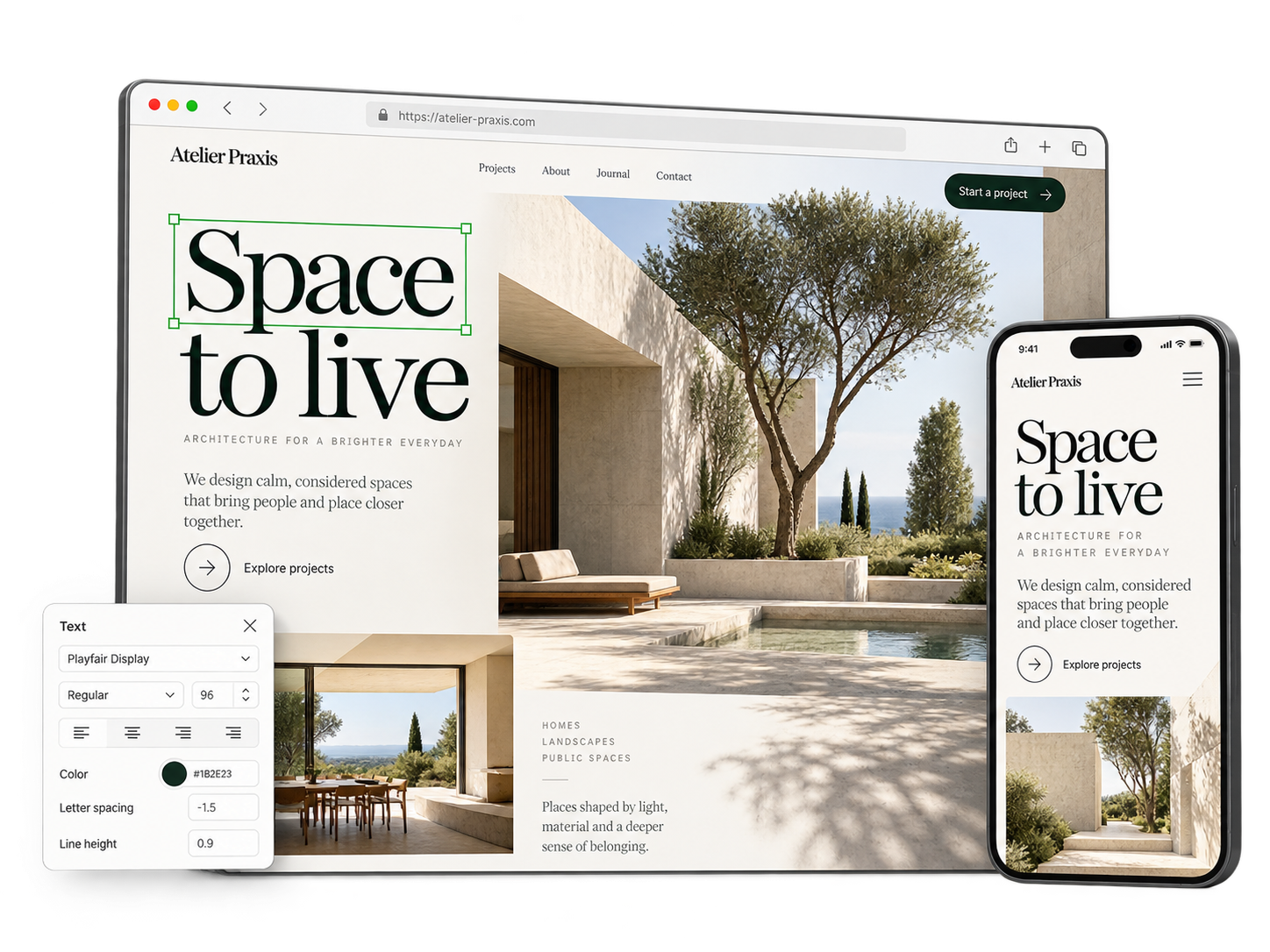
Websites
A website that explains the business and guides the next action.
Marketing sites planned around what visitors need to understand and do.
- Information architecture and navigation
- Page hierarchy and content structure
- Responsive interface design
- CMS build or integration
- Accessibility, performance and launch QA
How the work comes together
Plan the journey before the pages
Start with the explanation
Set out what the business does, who it is for and what a new visitor needs to understand first.
Map the paths
Plan navigation and page sequence around the questions visitors bring and the actions they need to take.
Design the system
Create responsive page patterns and components that carry the hierarchy across screen sizes.
Build and check
Implement or hand off the CMS, then test responsive behavior, accessibility and performance before launch.
App Development
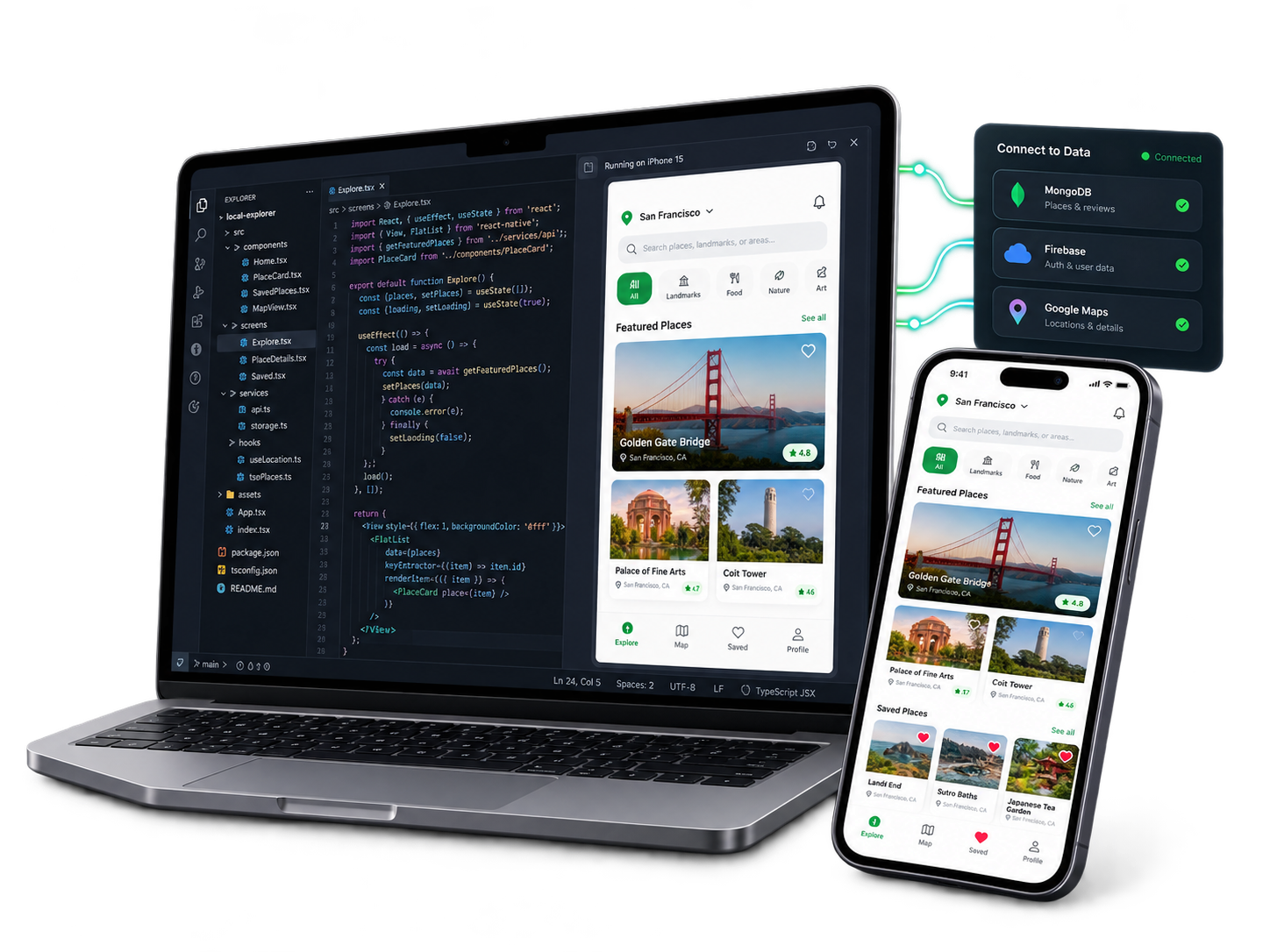
Build an app around what people need to do.
Application development, scoped around your platform, features and integrations.
- Technical scope and platform planning
- Application implementation
- API and service integrations
- Testing and launch preparation
How the work comes together
From requirements to a working app
Define
Agree the users, platform, essential features and technical scope.
Build
Implement the application and connect the services it needs.
Validate
Test core journeys and prepare the agreed release.
SaaS & Software Design
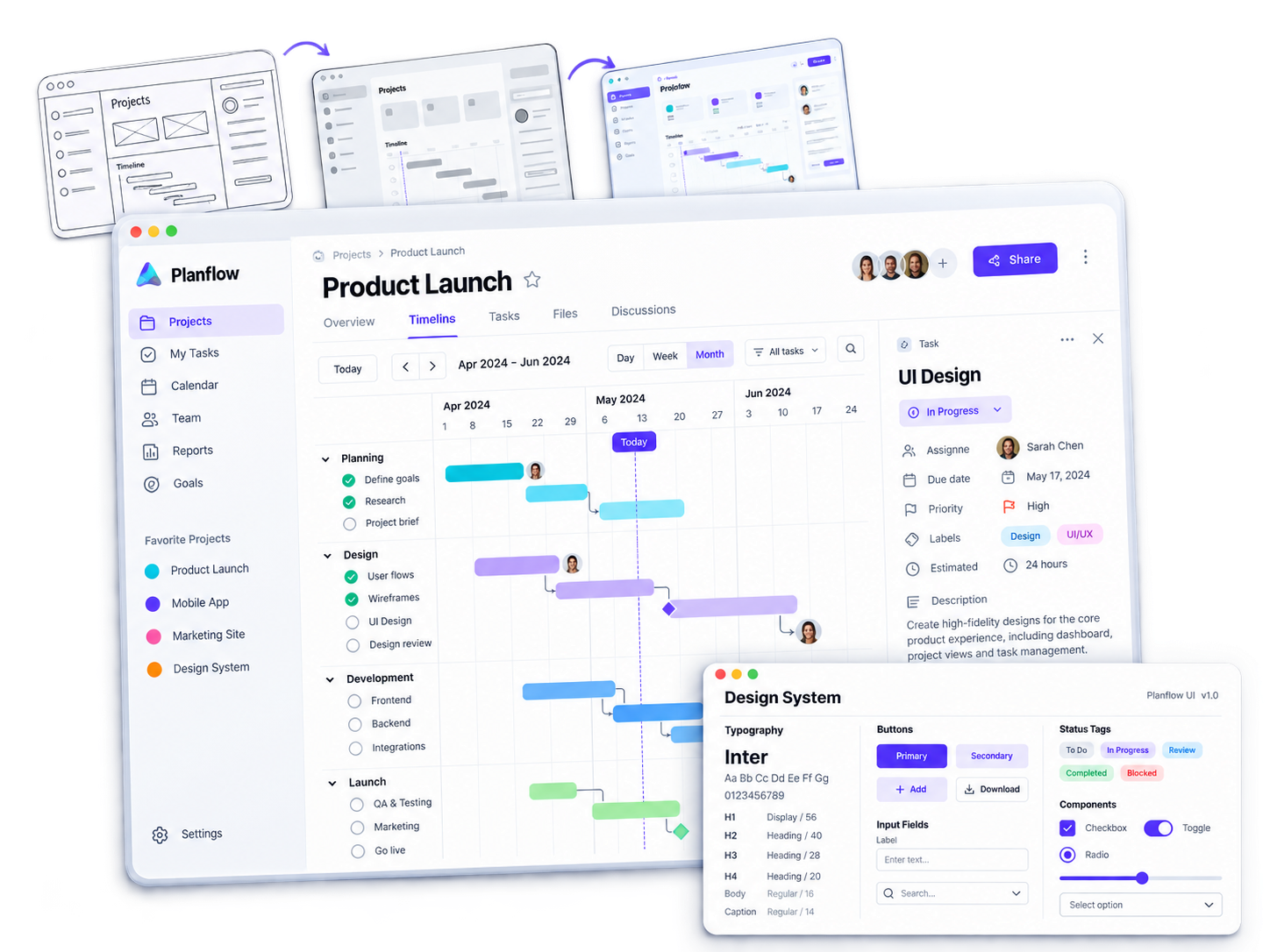
Make complex software clear to use.
Interfaces and workflows for SaaS platforms and business software.
- User flows and information architecture
- Dashboard and application UI
- Interactive prototypes
- Component patterns and developer handoff
How the work comes together
Design around the work
Understand
Map users, tasks and the constraints of the software.
Prototype
Explore and test the core workflows before detailing screens.
Systematize
Build consistent components and document behavior for implementation.
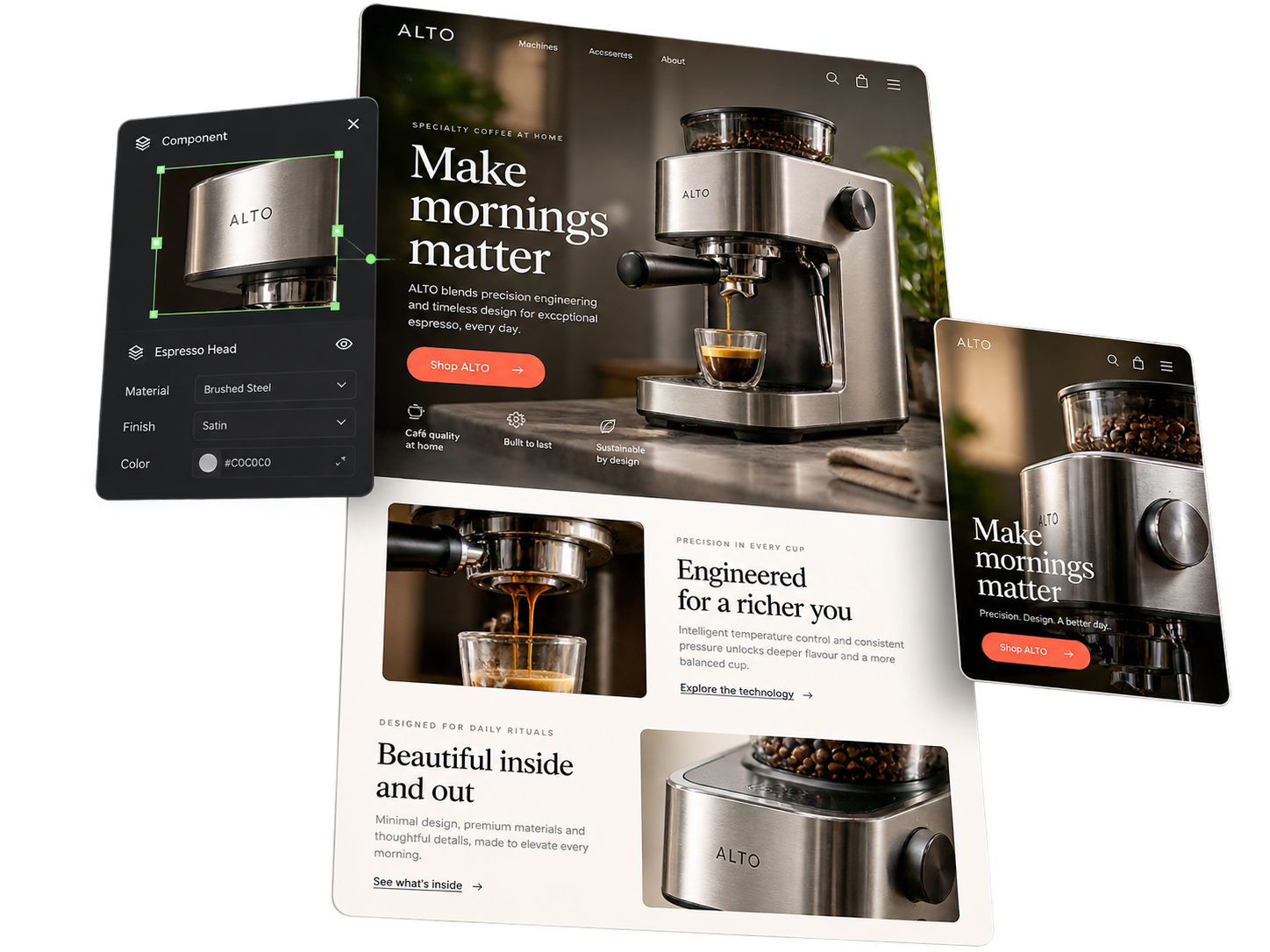
Landing pages
One page, one action, matched to the ad that sent them.
For campaigns, launches and paid traffic.
- Landing-page design
- Copy structure and hierarchy
- Message match from source to page
- Test variants
- Build or handoff
How the work comes together
One promise, one action
The single action
Set the one action the page exists for.
Message match
Hold the message from the ad or email through to the page.
Variants, then build
Prepare variants worth testing, then build or hand off.
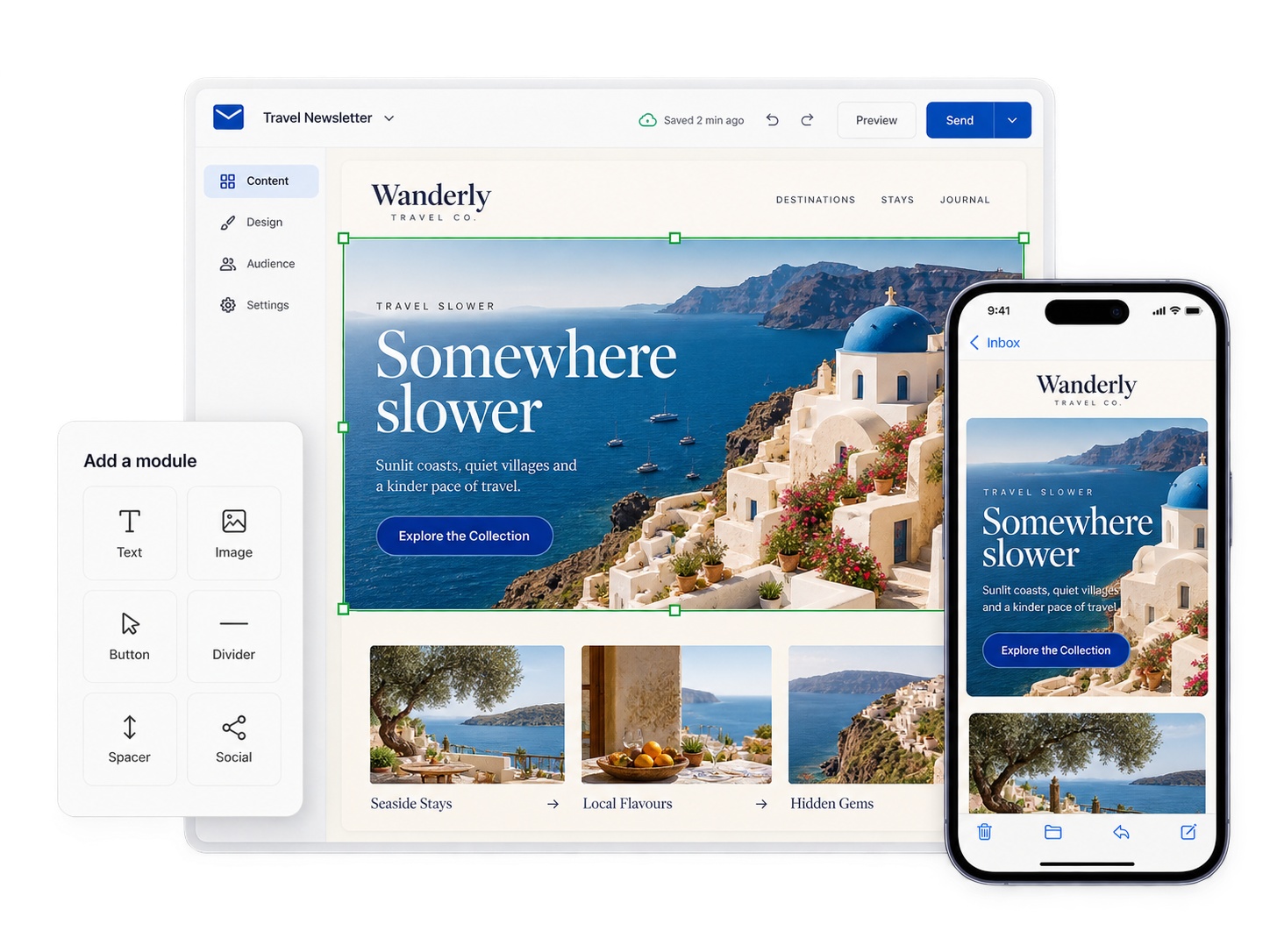
Email designed as a modular system, built to render.
For teams sending campaign and lifecycle email every week.
- Campaign emails
- Lifecycle and nurture sequences
- Modular templates
- Responsive patterns
- Platform-ready design, and build or handoff where scoped
How the work comes together
Built from parts
Reusable modules
Headers, content blocks and calls to action, designed to combine.
Checked where it lands
Checked across the major clients and on mobile.
Assembled from parts
New campaigns and sequences assembled from known parts.

eCommerce
Retail-calendar creative that keeps the store current.
For online stores and marketplace sellers.
- Merchandising modules
- Promotional storefront updates
- Campaign modules
- Retail-calendar production
- Product-launch and marketplace creative
How the work comes together
Through the retail year
Retail modules
Reusable modules, so changes are assembled, not rebuilt.
Against the calendar
Planned against the calendar and rolled out together.
One catalog
Kept coherent across storefront and marketplaces.
Bring the brief. Leave with a direction.